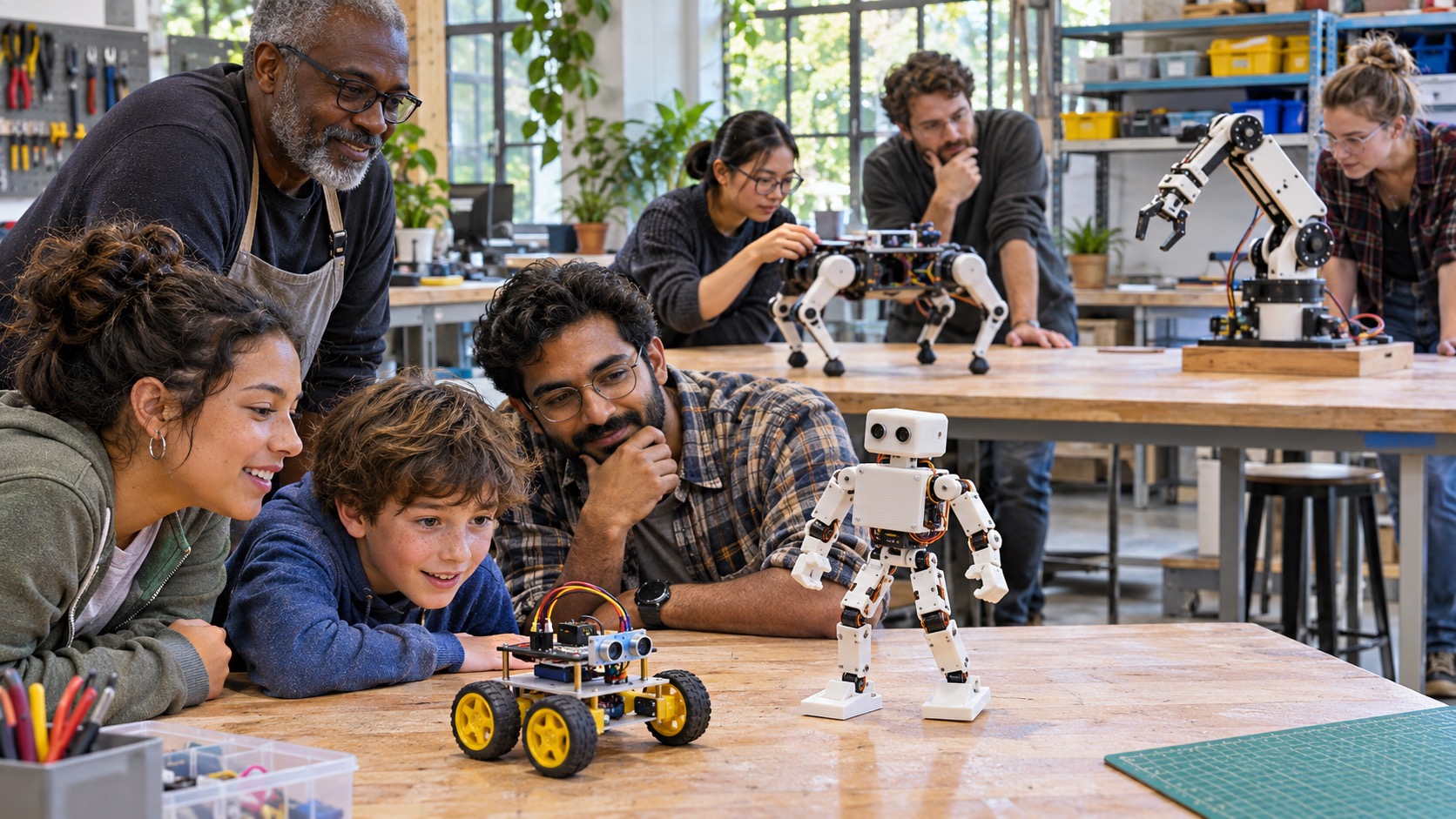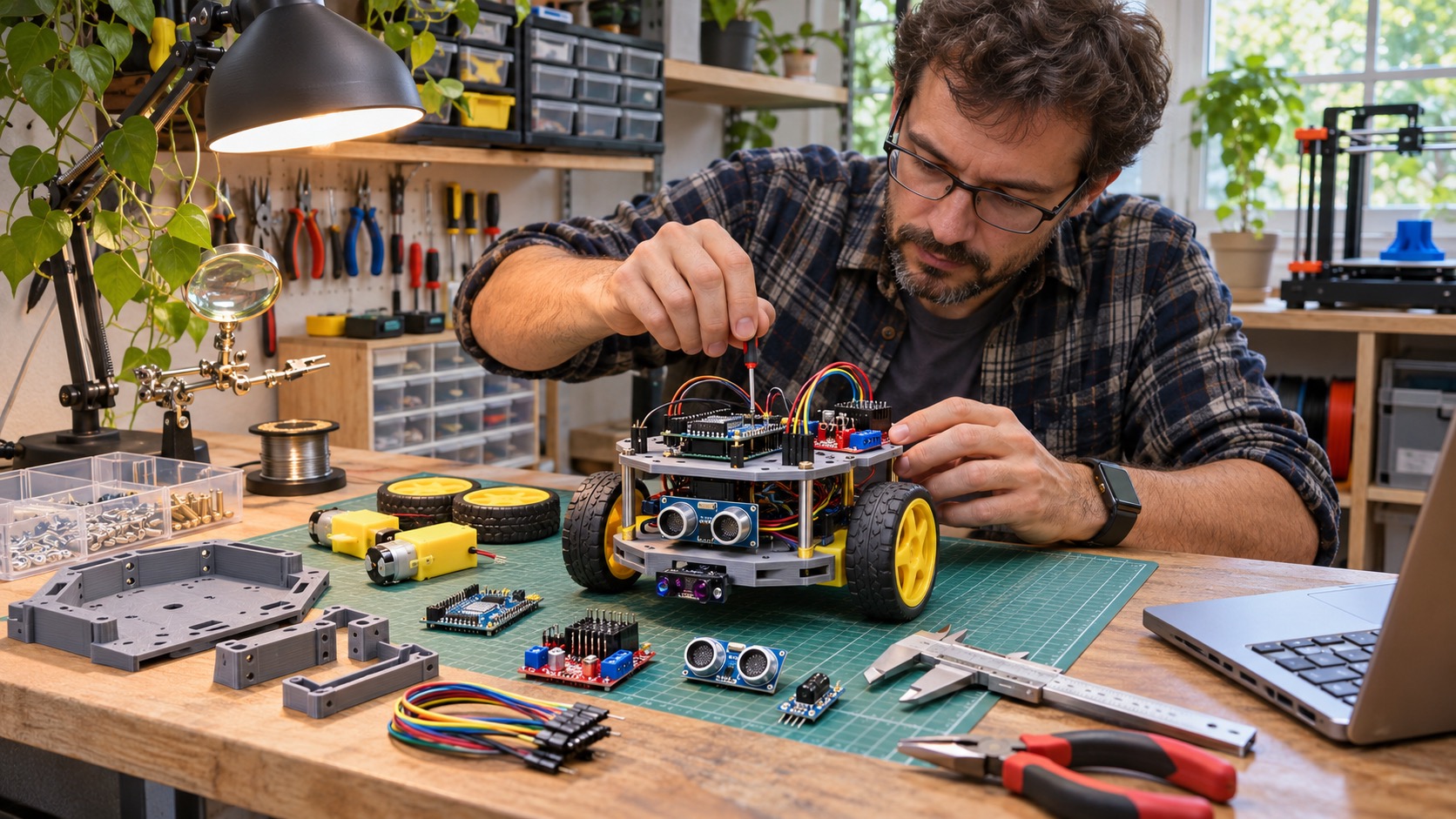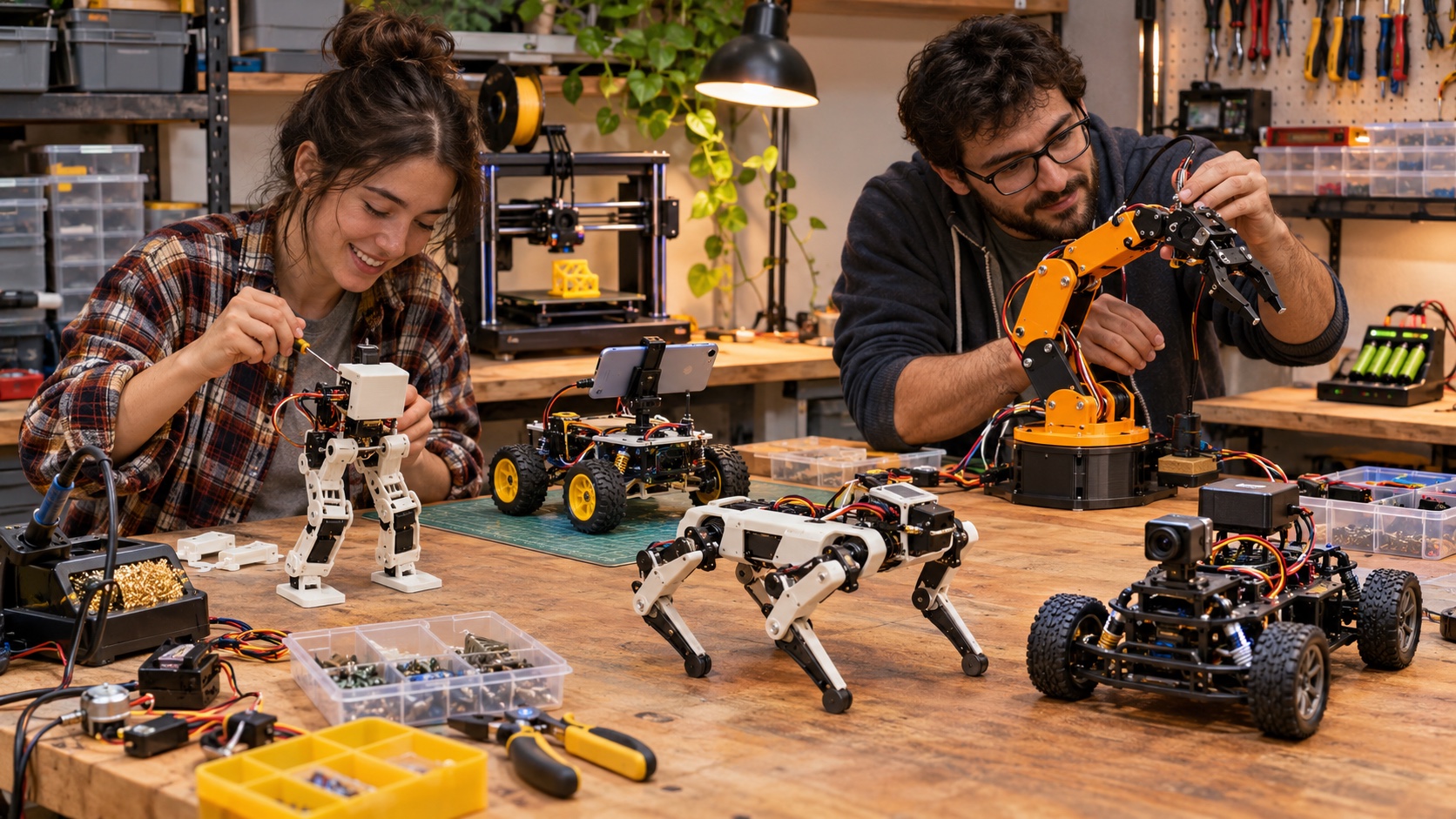
The Best Home Robotics Project Matches Your Tools, Skills, and Appetite for Debugging
Open-source robotics lets a home builder inspect how a machine works, change its body, rewrite its behavior, and share improvements. It does not guarantee that every project is inexpensive, current, easy to source, or safe. A repository may contain excellent CAD files but depend on an obsolete controller. A polished video may omit hours of calibration. A project described as open may publish software while restricting mechanical drawings or requiring a proprietary component. The best choice therefore begins with an honest inventory: programming experience, electronics knowledge, fabrication access, available workspace, budget, and the type of failure you are willing to diagnose. This guide moves from approachable educational builds toward advanced arms and humanoid platforms. It favors projects with usable documentation and a clear learning purpose, while emphasizing that maintainers, parts, and software versions change. Always consult the current official repository and safety guidance before purchasing components.
A: No, files may be free while hardware, tools, printing, and replacements still cost money.
A: Otto DIY offers a relatively compact introduction to printing, servos, and Arduino control.
A: An Android phone supplies sensing and high-level compute for a low-cost wheeled body.
A: It teaches the communication, transforms, mapping, and navigation stack used across many robots.
A: Check current official compatibility because original Jetson platforms and software versions evolve.
A: Many joints, alignment, balance, gait tuning, current demand, and repeated impact interact.
A: A small low-energy arm is usually easier and safer for learning core concepts.
A: Stable files can work when documentation is complete and dependencies are still available.
A: Power, actuator direction, limits, communication loss, manual control, and safe stopping.
A: A reproducible fix, tested modification, or clear failure report helps the community substantially.
Begin With a Learning Goal Instead of a Robot Shape
A small two-wheel rover can teach motor control, encoders, batteries, sensors, and closed-loop behavior more effectively than an ambitious humanoid that never finishes booting. Decide whether you want to learn mechanical assembly, embedded programming, computer vision, ROS 2, machine learning, kinematics, or legged locomotion. Then choose the simplest project that exposes that topic.
Scope also determines cost. A printable frame may be free, but motors, bearings, fasteners, tools, batteries, chargers, compute boards, cameras, and replacement parts are not. Write a complete bill of materials before ordering and identify components that have no compatible substitute.
Otto DIY Is an Approachable Printable Biped
Otto DIY is a compact open-source robot whose body can be 3D printed and assembled around small servos, an Arduino-compatible controller, distance sensing, and simple sound output. It can walk, avoid obstacles, and perform expressive motions. The project is suited to learning basic wiring, servo positions, Arduino programming, and how mechanical tolerances affect a walking gait.
OpenBot Reuses an Android Phone as the Robot Brain
OpenBot places an Android smartphone on a low-cost wheeled body. The phone supplies cameras, inertial sensing, compute, display, and connectivity, while a microcontroller handles motors and lower-level electronics. This split teaches a useful robotics architecture: high-level perception and behavior communicate with a dedicated real-time controller.
The project can support teleoperation, person following, and learned navigation experiments. Builders should verify phone compatibility and repository instructions before buying parts, because mobile operating systems and application permissions evolve.
OpenBot is especially attractive when an older phone is already available. Reusing capable consumer hardware can lower cost and demonstrate that robotics platforms do not need every sensor and processor designed from scratch.
A ROS 2 Rover Teaches the Modern Software Stack
A differential-drive rover built from an open chassis, encoders, a small computer, and optional lidar can become a practical ROS 2 platform. The learning value comes from configuring nodes, topics, transforms, sensor drivers, localization, mapping, and navigation rather than copying one branded design.
This project rewards a staged plan. Begin with safe manual motor control, add odometry, visualize sensor data, create a map, and only then attempt autonomous navigation. Keeping each layer testable prevents a wiring problem from being mistaken for a planning failure.
JetBot Brings Computer Vision and Learning Onto a Small Car
NVIDIA’s JetBot is an open-source educational robot originally built around the Jetson Nano. Its tutorials cover basic motion, teleoperation, collision avoidance, road following, and object following through browser-based notebooks. It is a useful bridge for builders who know Python and want to collect data on a physical vehicle.
OpenCat Makes Quadruped Gaits Hackable
OpenCat provides open software and hardware guidance for small quadruped robots. Builders can study servo coordination, gait representation, balance compromises, communication, and the mechanical consequences of repeated leg motion. The maintained repository should be used instead of older archived versions.
Legged robots demand careful assembly. Servo orientation, horn alignment, joint limits, center of mass, battery condition, and foot contact all influence behavior. A gait that works in simulation or on one build may need tuning on another.
Start with the robot supported so its feet cannot drive it off a table. Test one joint at a time, confirm direction and limits, then progress to standing and slow motion on the floor. This sequence protects hardware and makes errors easier to isolate.
Poppy Ergo Jr Offers a Modular Desktop Manipulator
The Poppy Project shares open hardware, software, and educational tools for 3D-printed robots. Ergo Jr is its most accessible arm, using six actuators in a compact desktop form. It is appropriate for learning joint coordinates, forward and inverse kinematics, motion sequences, camera-based tasks, and Python control without the scale of a full industrial arm.
Poppy’s broader ecosystem includes a torso and humanoid, so skills can transfer to more complex systems. The project also supports simulation and visual programming, which helps builders test ideas before commanding physical joints.
BCN3D Moveo Is a Serious 3D-Printed Arm Project
BCN3D Moveo publishes CAD, printable files, firmware, a bill of materials, and assembly documentation for a larger educational arm. It is an advanced build with substantial printing, mechanical assembly, wiring, calibration, and tuning. The project can teach belt or joint mechanics, stepper control, kinematic chains, and the gap between positioning a joint and controlling an end effector accurately.
A Simple Arduino Arm Can Be Better Than a Large One
Builders interested in manipulation do not need to begin with a multi-kilogram arm. A small open design using hobby servos and a lightweight gripper can teach coordinate frames, joint limits, sequences, and basic inverse kinematics with less stored energy. It is easier to test on a desk and cheaper to repair after a collision.
The important choice is not the number of axes. Select a design with source CAD, a complete bill of materials, assembly guidance, known servo specifications, and code that can be inspected. Many marketplace kits use copied designs without maintaining documentation.
Keep payloads light and motion slow. Hobby servos can stall, heat, or draw sudden current, and printed parts can crack. A current-limited supply and an accessible power disconnect are more valuable than an ambitious first motion.
Poppy Humanoid Is a Long-Term Advanced Build
Poppy Humanoid is a modular, 3D-printed open platform used in education, art, and research. It exposes whole-body kinematics, many actuators, structural design, communication, and coordinated movement. Its openness makes it valuable, but the parts, printing, assembly, and calibration place it far beyond a beginner weekend project.
A sensible path is to begin with one arm or the Poppy Torso rather than the complete body. Subsystem work builds familiarity with actuator configuration and software while limiting the number of possible failures.
InMoov Connects Fabrication With a Life-Size Humanoid
InMoov is a widely known 3D-printed humanoid project assembled in sections. Builders have created hands, arms, heads, torsos, and complete figures using community documentation and common maker electronics. The project is compelling for mechanical fabrication, tendon-like finger actuation, expressive movement, and customization.
Repository Health Matters as Much as the Design
Before committing, inspect the date of recent changes, unresolved issues, releases, documentation, and whether build reports from other users match the current files. An older stable project can still be excellent if its dependencies remain obtainable and its instructions are complete. A newer project with constant commits may still lack a repeatable build.
Read the license for hardware, CAD, firmware, software, and documentation separately. “Available on GitHub” does not automatically mean every component is open-source or permitted for every use. Note attribution and share-alike obligations before publishing a remix.
Fork the exact version you build and record component substitutions. If the upstream project changes, you need a reproducible reference for wiring, firmware, and printed parts that worked together.
Battery and Motion Safety Belong in the Build Plan
Lithium batteries require an appropriate charger, protected storage, undamaged cells, correct polarity, and supervision during charging. Motors can draw far more current at stall than during normal motion. Undersized wires or connectors can overheat, while a loose battery can be damaged by the robot itself.
Design the First Test to Fail Safely
Raise wheels off the surface, remove the arm’s payload, support a quadruped, and limit commanded speed. Test each actuator individually. Confirm emergency power removal before enabling autonomous code, and keep hands, hair, clothing, pets, and fragile objects outside the motion envelope.
Software needs boundaries too. Clamp joint commands, stop on lost communication, monitor battery voltage where possible, and log what the system attempted. A model that produces a valid number can still command an unsafe motion.
Turn the Build Into Your Own Open Project
The educational value grows when you document what changed. Record the bill of materials, printable-file versions, wiring, firmware commit, calibration steps, known limitations, and test conditions. Photograph connections before closing the enclosure and label cables physically even if the final article contains no labels.
Share fixes through an issue, pull request, or clearly attributed fork when the license permits. Explain failures as carefully as successes. A note about a substituted motor, unstable power supply, or outdated library may save the next builder days of confusion.
The best open-source home robot is not the one that most resembles science fiction. It is the project you can understand deeply enough to repair, modify, and explain. Finishing a modest platform and making one original improvement develops more robotics skill than assembling an elaborate machine whose behavior remains a black box.
Reproducibility Turns a Personal Build Into Community Infrastructure
A home project becomes genuinely reusable when another person can reproduce the same result without guessing which file, board revision, or undocumented adjustment mattered. Record part numbers and reasonable substitutes, the exact repository commit, software environment, wiring changes, print settings that affect fit, calibration values, and the tests used after assembly. A short build log with photographs can reveal orientation and routing details that a schematic misses, while a machine-readable bill of materials makes updates easier to track.
Reproducibility does not require a flawless design. In fact, a clear limitations section may be the most valuable contribution. State what overheats, drifts, loosens, or fails after repeated motion. Separate confirmed fixes from untested suggestions. When builders publish evidence at that level, an open-source robot stops being a collection of downloadable files and becomes shared engineering knowledge that can improve across many workshops.
Plan an Upgrade Path Before Buying the First Component
A good home platform supports one meaningful next step without requiring complete replacement. A rover might accept encoders, then a range sensor, then a small computer for ROS 2. A servo arm might begin with recorded poses before adding kinematics and vision. List those stages and identify which early choices constrain them: motor voltage, controller memory, communication buses, payload, mounting space, and battery capacity. Buying the most powerful component immediately is rarely necessary, but choosing an interface with no expansion path creates waste. A staged architecture keeps each milestone usable and lets the builder stop with a working robot if time or budget changes. Modular progress also makes troubleshooting easier because only one new capability enters the system at a time during each controlled test session.